
Automatically Arrange Mammography Projections
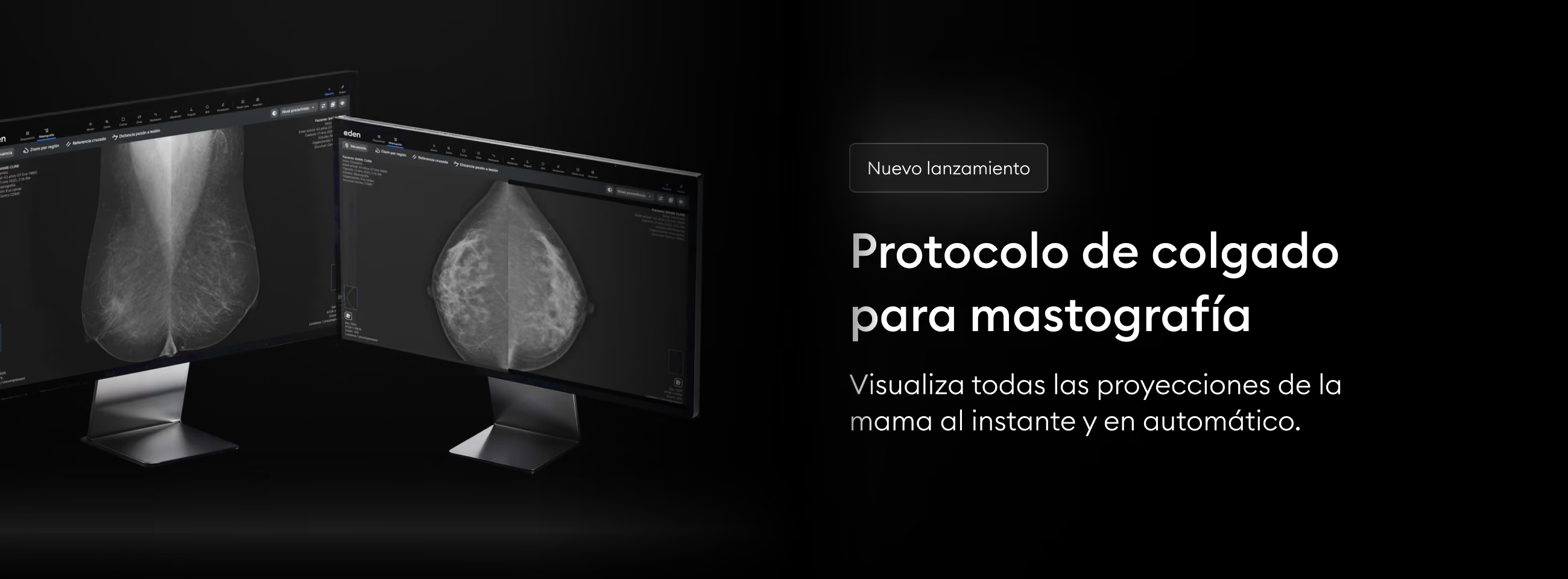
In a breast diagnosis, every second counts to save the life of a mother, daughter, or grandmother. Don't waste time organizing images: the new hanging protocol in Eden PACS automatically arranges all breast projections for you.
Now, when you open a mammography (MG) study, the images will be arranged automatically to give you a complete view of the breast and speed up your interpretation. You can also enable the synchronized monitors feature in Settings, to automatically arrange these projections across two screens at once.
How to activate the hanging protocol in Eden PACS?
- Find the mammography study in your study list.
- Make sure the study is categorized as "MG" in the "Modality" column. Otherwise, you will need to adjust your CR settings to ensure all your future mammograms are registered correctly.
- Click on the study to open it in your DICOM viewer. The hanging protocol will activate automatically.
Try the Eden PACS hanging protocol today and deliver timely diagnoses to thousands of women eagerly awaiting their mammography results.