
The BI-RADS Template: A Key Tool This Pink October
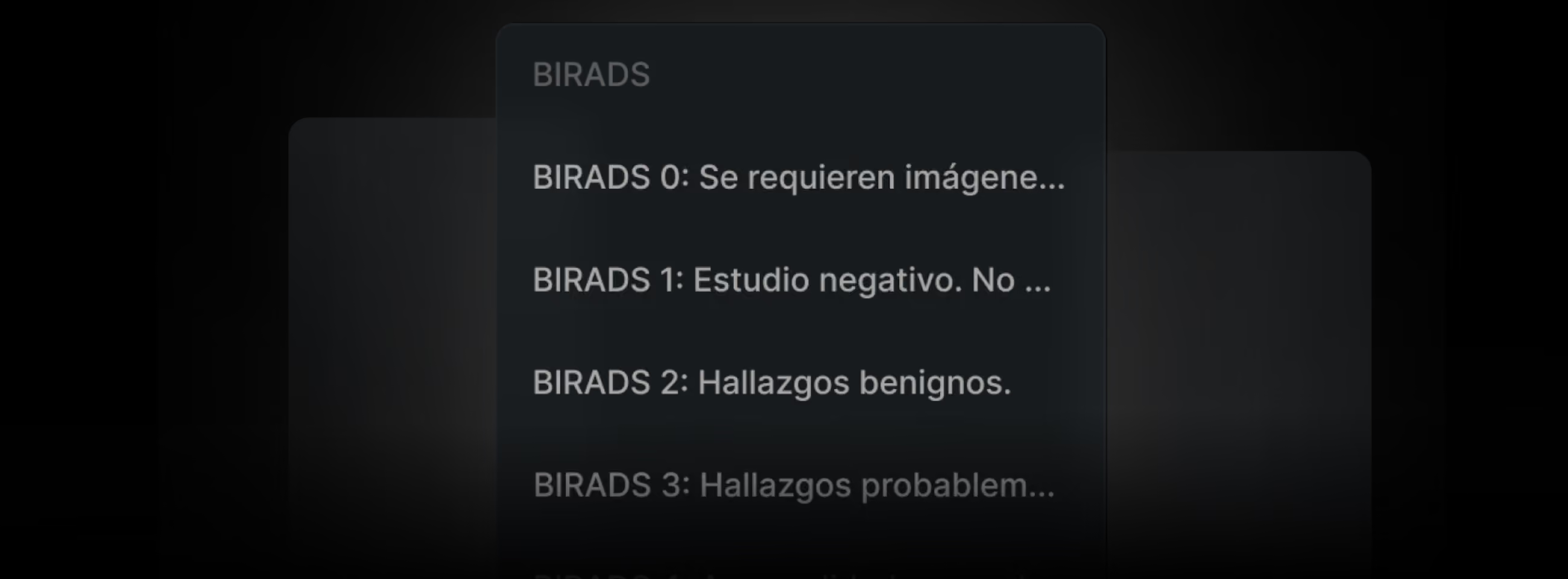
At Eden PACS, every tool is designed to take your institution to the next level, and the BI-RADS reporting template is no exception. This feature not only optimizes your radiologists' work, but also streamlines the follow-up you provide to your patients and maximizes operational efficiency, empowering your institution on every front. That's why, below, we explain how you can use this template to its full potential.
1. Customize and Standardize Your Results for Greater Efficiency
By standardizing the use of the BI-RADS template across your institution, all reports will follow a uniform format, making them easier to search and review. In addition, your radiologists can create and save customized versions of the template, eliminating repetitive tasks such as writing the same findings for BI-RADS 0-2 results. This streamlines workflows and boosts productivity.
To customize a template:
1. Open the Write Report tab. At the top, click the "Template" button and select the one you want to customize.
2. Make the text and formatting changes you want in the findings window.
3. Click "Save." Give your template a name and save it for future use.
2. Generate Statistics to Enhance Internal and External Analysis
One of the greatest advantages of the BI-RADS template is the ability to filter studies according to their result on the BI-RADS scale, facilitating traceability in the Study List. This feature is ideal for preparing epidemiological reports or assessing the impact of campaigns such as Pink October. In addition, with just a few clicks, you can download the data as CSV files for precise analysis.
To download a list of BI-RADS results:
1. In the Study List, click the "Filter" button in the upper right corner.
2. In the Results field, select the BI-RADS you are looking for and click "Filter Results"
3. Download the list by clicking the "CSV" button in the lower left corner of your window.
3. Activate Automatic Alerts to Provide Personalized Follow-Up
Eden PACS allows you to configure notifications to manage patient follow-up according to their BI-RADS classification. These alerts are sent to authorized administrators or physicians, to schedule follow-up studies or deliver results in a personalized way. The frequency and recipients of these notifications are under the full control of your institution, ensuring the confidentiality and protection of this data.
To activate automatic alerts:
Request activation from our support team via Eden PACS Chat or by email at soporte@edenmed.com. Be sure to specify:
- Which BI-RADS results will be notified
- How often the notification will be sent
- Who the authorized users are to receive the notification
During a month when demand for mammograms rises by up to 40%, the BI-RADS template is a key tool for maintaining quality standards at your institution. Use these three strategies to streamline processes, double your radiologists' productivity, and deliver extraordinary medical care, all from Eden PACS.